README.md 3.6 KB
vue3-uniapp-template
特性
📦 组件自动化加载
📑 pinia+适用于多端的持久化方案
🎨 UnoCSS - 高性能且极具灵活性的即时原子化 CSS 引擎
🔥 使用 新的
<script setup>语法📥 API 自动加载 - 直接使用 Composition API 无需引入
🦾 TypeScript & ESLint & stylelint - 保证代码质量
🗂 husky & lint-staged + commitlint - 保证代码提交质量
🗂 ES6 import 顺序自动排序,css 属性自动排序,增强编码一致性
🗂 使用请求拦截器,封装好您的请求
🗂 图片自动压缩,再也不用去tinyPng等网站压缩图片了
🗂 多环境配置分开,想则怎么配置就怎么配置
业务功能 TODO LIST
- 页面下拉刷新(全局+局部)
- 页面上拉加载
- 导航栏返回or去首页
- 导航栏渐变(微信+h5)
- 自定义导航栏顶部机型适配
- 微信小程序分享(好友+朋友圈)
- 微信登录
- 微信一键登录(基于手机号)
- 仿BOSS直聘-个人中心
- 仿华为商城-个人中心
- 页面悬浮球(floating bubble)
- 多tab列表功能
- 瀑布流
- 头像上传
- 图片剪辑
- 抽奖-九宫格抽奖
- 抽奖-大转盘抽奖
- 仿网易云音乐APP(独立项目)
环境
- pnpm>=8.12
- node>=18
拉取代码
git 拉取
github:
git clone https://github.com/fly-vue3-templates/vue3-uniapp-template fly-uniappgitee:
git clone https://gitee.com/fly-vue3-templates/vue3-uniapp-template.git fly-uniapp
degit 拉取(不包含git,需要自己git init)
npx degit https://github.com/fly-vue3-templates/vue3-uniapp-template fly-uniappnpx degit https://gitee.com/fly-vue3-templates/vue3-uniapp-template fly-uniapp
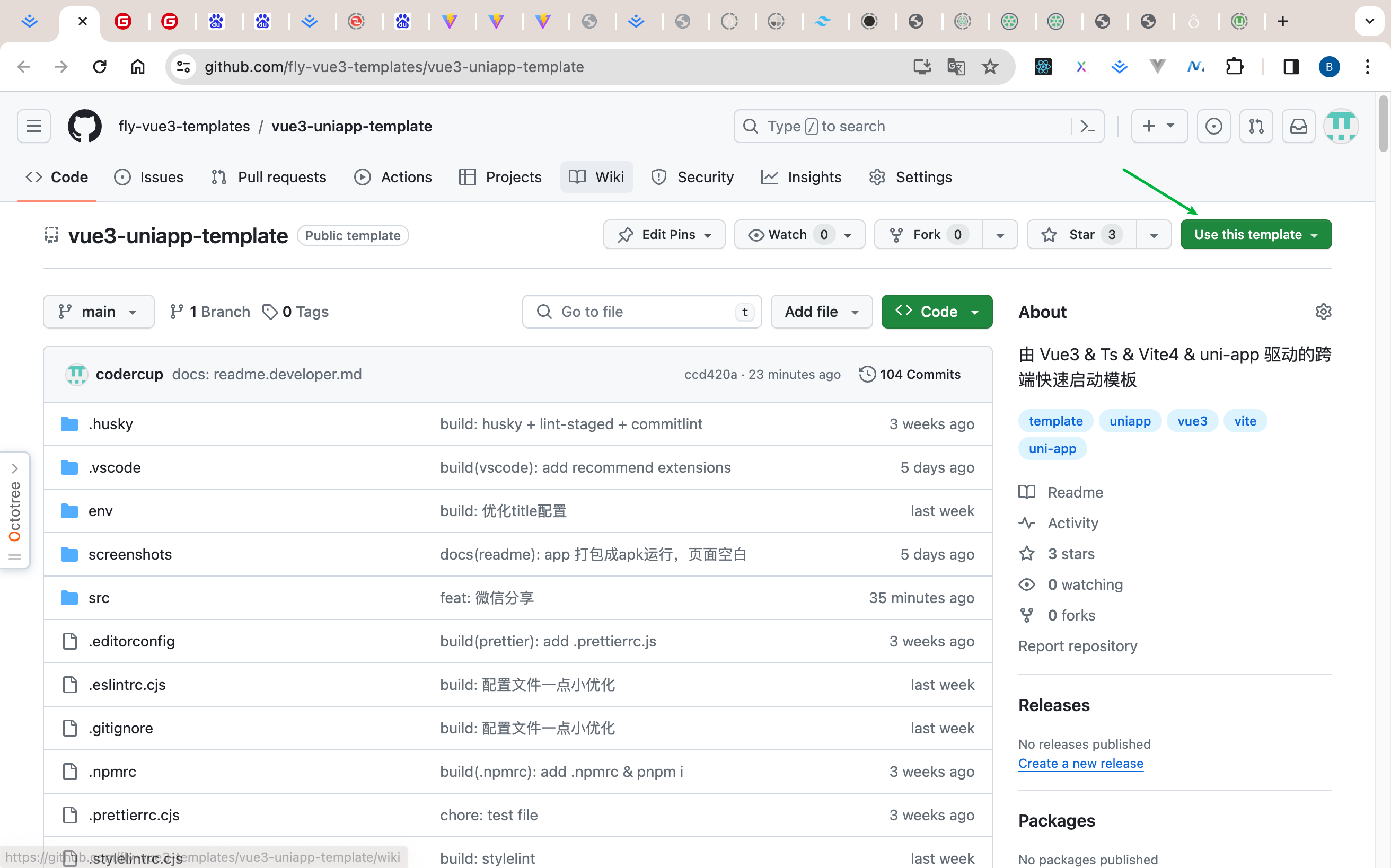
github template
运行
- web平台:
pnpm dev:h5, 然后打开 http://localhost:9000/。 - weixin平台:
pnpm dev:mp-weixin然后打开微信开发者工具,导入本地文件夹,选择本项目的dist/dev/mp-weixin文件。 - APP平台:
pnpm dev:app, 然后打开HBuilderX,导入刚刚生成的dist/dev/app文件夹,选择运行到模拟器,或者运行的安卓/ios基座。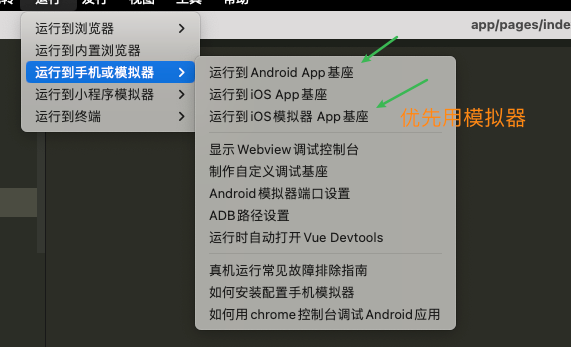
发布
- web平台:
pnpm build:h5,打包后的文件在dist/build/h5,可以放到web服务器,如nginx运行。如果最终不是放在根目录,可以在vite.config.ts的base属性进行配置。vite官网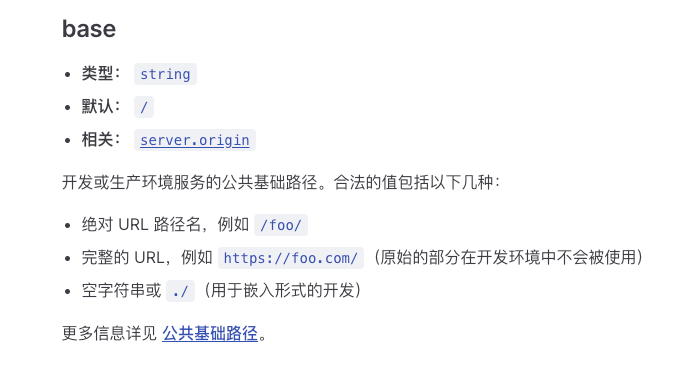
- weixin平台:
pnpm build:h5, 打包后的文件在dist/build/mp-weixin,然后通过微信开发者工具导入,并点击右上角的“上传”按钮进行上传。 - APP平台:
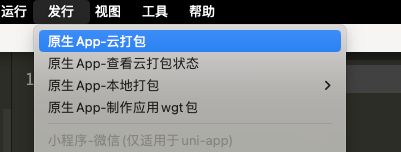
pnpm build:app, 然后打开HBuilderX,导入刚刚生成的dist/build/app文件夹,选择发行 - APP云打包。